


1. Block the Noise with Focus Apps
Tools like Forest, Focus@Will, or Noisli help train your brain by providing ambient sounds or music designed for productivity. Forest even grows a virtual tree for every focused session, motivating you to stay off your phone.

2. Cut the Clutter with Website Blockers
Apps such as Freedom, Cold Turkey, or StayFocusd allow you to block distracting websites and apps during your work hours. You can schedule sessions or instantly shut out social media and news feeds..

3. Structure Time with the Pomodoro Technique
Use tools like Pomofocus or Focus Booster to break your work into timed intervals with short breaks in between. It trains your brain to stay focused and resist distractions during short sprints.

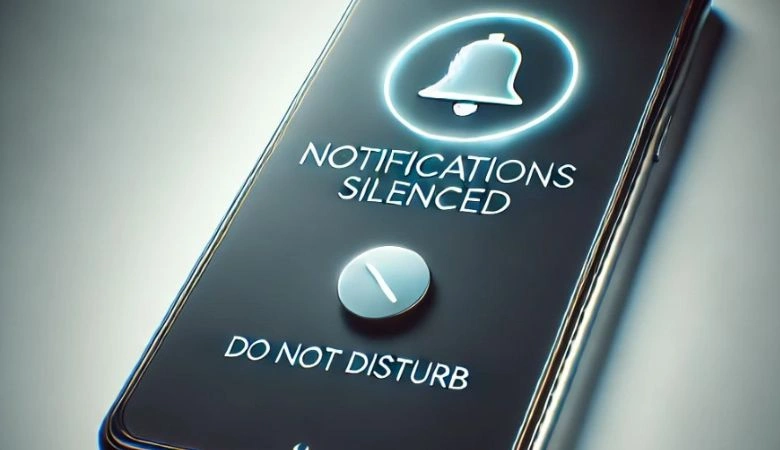
4. Silence Notifications Across Devices
Use Do Not Disturb modes on your phone and computer, or use unified notification controllers like Serene to block alerts during work sessions. Less buzzing equals better thinking.
5. Use Distraction-Free Writing Tools
Apps like iA Writer, FocusWriter, or Bear offer clean, minimalist writing environments—no tabs, menus, or pop-ups—just you and your thoughts.
6. Organize Tasks Visually to Avoid Mental Clutter
Use tools like Trello, TickTick, or Notion to visually organize your day. A clean task board helps you focus on one task at a time without the overwhelm.

7. Create a Focus-Only Browser Workspace
For teams working remotely or in-office, Slack keeps communication flowing without the clutter of email. Create channels for specific topics, share files, and integrate tools like Google Drive and Zoom to keep everyone in sync.
8. Use Smart Lighting for Mental Clarity
Apps connected with smart lights (like Philips Hue) let you adjust lighting to focus mode—cool tones that boost concentration. You can automate it to match your peak productivity hours.

Final Thought: Tech That Protects Your Mind
True productivity starts with focus. The right tech tools won’t just block distractions—they’ll train your brain to enter the “deep work” zone faster and stay there longer. Choose the tools that fit your workflow and watch your productivity take off.