

1. Using Weak or Common Passwords
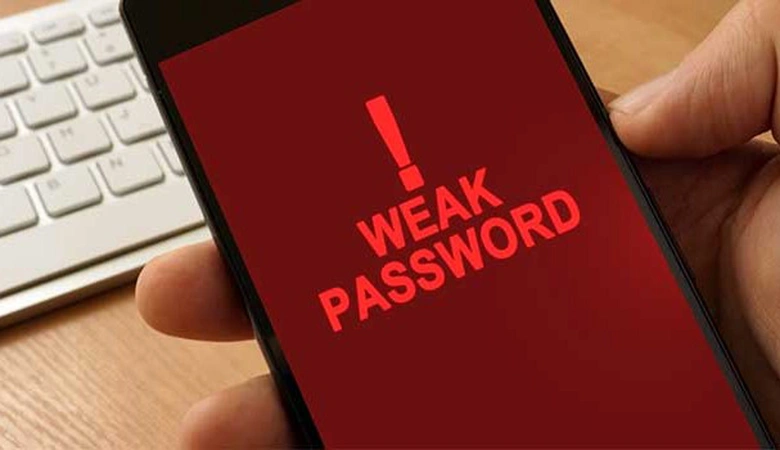
A weak password is one of the easiest ways hackers can gain access to your accounts. Passwords like “123456” or “password” are among the most commonly used—and easily guessed—passwords. Using a weak password puts your security at serious risk. How to Fix It: Create strong passwords that are long and include a mix of uppercase and lowercase letters, numbers, and special characters. Avoid using easily guessable information such as your name, birthday, or common words. The longer and more complex, the better.
2. Reusing Passwords Across Multiple Accounts
Reusing the same password for multiple accounts increases the risk of a security breach. If one account is compromised, hackers can easily gain access to your other accounts. This is especially dangerous if you use the same password for sensitive accounts like banking or email. How to Fix It: Use a unique password for each of your accounts. A password manager can help you generate and store complex passwords for all your accounts, so you don’t have to remember them all yourself.

3. Neglecting Two-Factor Authentication (2FA)
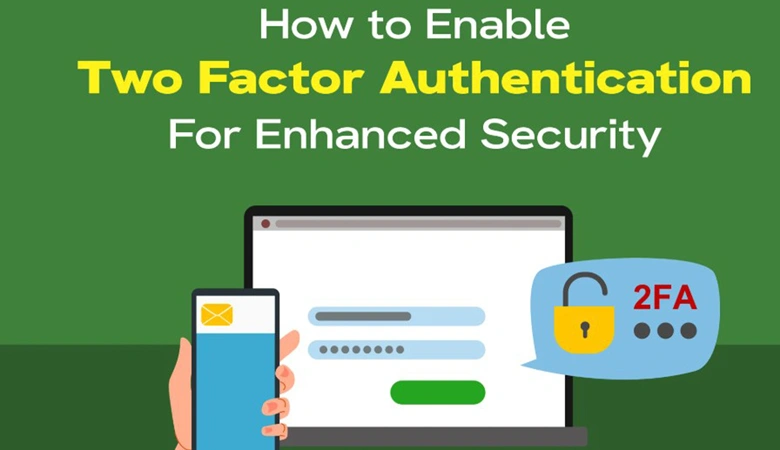
Two-factor authentication (2FA) adds an additional layer of security by requiring a second form of verification (such as a text message or authentication app) when logging into your accounts. Many people skip this extra step, thinking their passwords alone are enough. How to Fix It: Enable two-factor authentication (2FA) on all your accounts that offer it. This makes it significantly harder for hackers to access your account, even if they manage to get your password.
4. Sharing Passwords or Writing Them Down
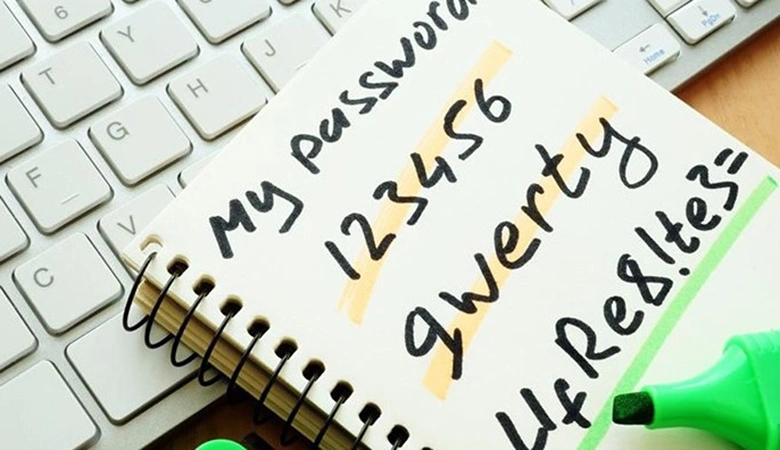
Sharing passwords with others or writing them down in an unprotected location can be a security nightmare. If someone gains access to your passwords, they can easily steal your information or make unauthorized changes to your accounts. How to Fix It: Never share passwords over email, text, or social media. If you must share them, use a secure password manager that allows you to share access securely. Avoid writing passwords down, and instead, store them in a password manager to keep them safe and encrypted.
5. Ignoring Password Updates
Many people use the same password for years, failing to update them regularly. If your password is compromised or exposed in a data breach, keeping it unchanged makes you an easy target for hackers. How to Fix It: Change your passwords regularly, especially if you suspect one has been compromised. Use password managers to keep track of your passwords and set reminders to update them periodically. If a service offers password breach alerts, take advantage of that feature.

Final Thoughts
By avoiding these common password mistakes and taking proactive steps to strengthen your online security, you can protect your personal information from hackers and identity theft. Start using stronger, unique passwords today, and don’t forget to enable two-factor authentication for added security. With a few simple changes, you’ll be on your way to safer online accounts.